
Shopping Cart
Your shopping cart is empty!


DrayTek's product lines range from enterprise-level Firewall Security, VPN facilities for Teleworking and branch-linking, versatile xDSL CPE, DSL routers, VoIP and IP PBX products and Wireless LAN. DrayTek also have a range of LAN switching products in their VigorSwitch series. DrayTek's innovative VPN solutions have enabled teleworkers and branch offices to create virtual links, providing cost savings, flexibility and great effectiveness.
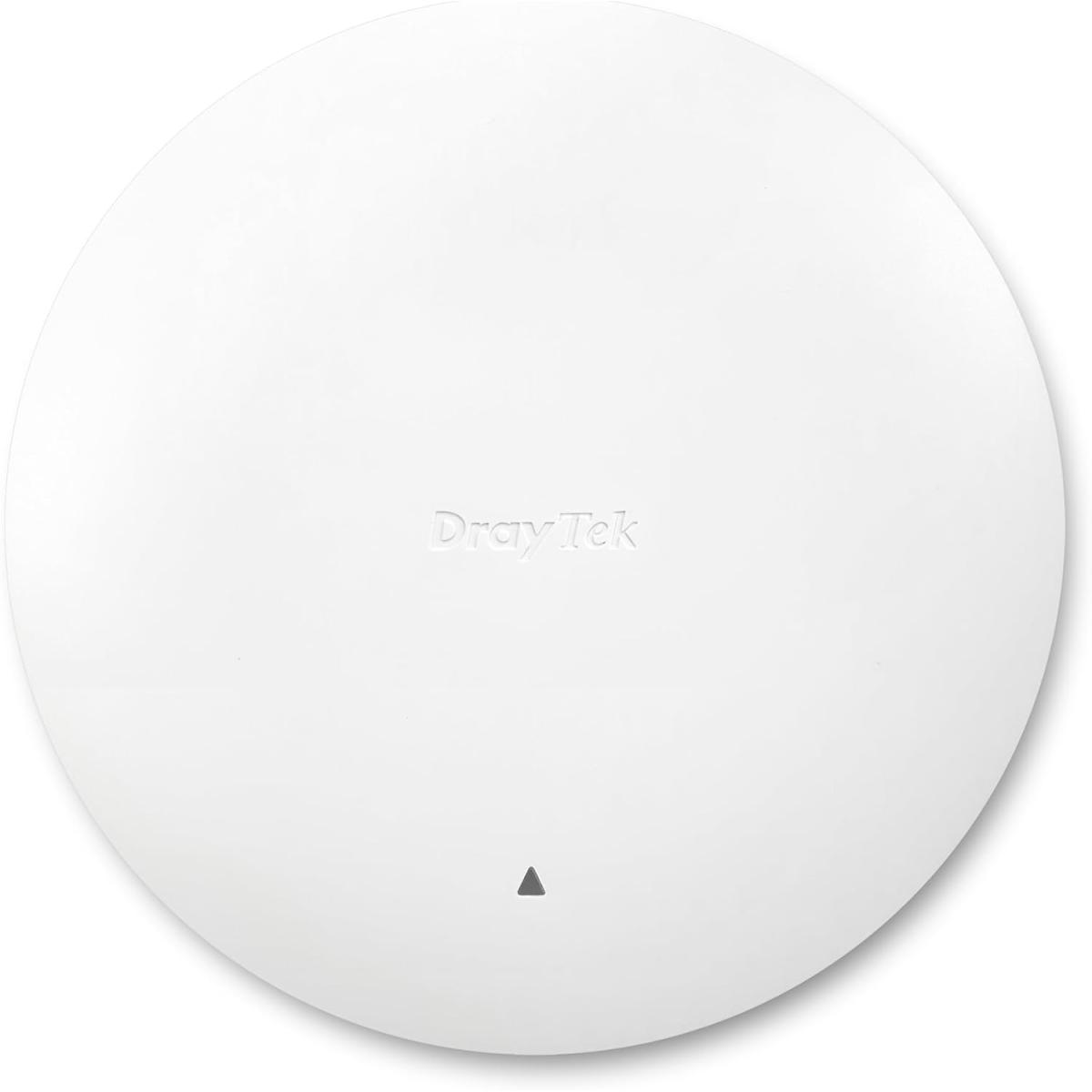
The VigorAP 962C is a high-performance wireless access point designed for business and SOHO environments. This ceiling or wall-mounted mesh access point delivers dual-band wireless performance of up to 3Gbps (AX 3000), providing fast and reliable Wi-Fi connectivity for your network. Equipped with 2.5Gb Ethernet wired connectivity, the VigorAP 962C ensures seamless integration with your existing network infrastructure.

The 802.11ax standard brings performance improvements to both 2.4GHz and 5GHz bands, giving better performance to both. The previous 802.11ac Wi-Fi 5 standard only brought its performance improvements to the larger 5GHz band.
This allows for better performance at range and through walls with 2.4GHz frequency, while still having all the benefits of Wi-Fi 6 technology. Allowing the VigorAP and its clients to make full use of the bandwidth available.

Mesh wireless enables wireless networks to provide fast connectivity to all clients without cabling between VigorAP access points. Simply set up a Mesh Root and add some Nodes with the DrayTek Wireless App and the DrayTek Mesh will determine the best path between access points to provide the best user experience.
The Mesh Root VigorAP links up to your existing Internet router, such as the DrayTek Vigor 2865ac. The self-healing Mesh allows VigorAPs to re-establish their links if one VigorAP in the chain if the signal is blocked to a Mesh Nodes usual uplink.
Your devices see a single Wi-Fi network (SSID) and connect to the nearest VigorAP in the Mesh. Internet connectivity relays through the Mesh, using the 5GHz Wi-Fi 6 radio to rapidly transfer your data through other VigorAPs in the Mesh.

The VigorAP 1062C is configurable to suit most networks, with AP and Range Extender modes. In addition to its Mesh capability, it's ideal as a stand-alone Access Point to provide Wi-Fi connectivity for routers and networks without wireless.
Use the VigorAP 1062C as a Range Extender to connect to any existing wireless network and boost the signal, extending wireless coverage to areas that otherwise would have a patchy signal.
DrayTek VigorAP wireless access points can be managed as stand-alone APs with their extensive web user interface.
To manage more than one access point, either for a single site or spanning multiple sites, DrayTek offer a multitude of options for managing VigorAP access points:

The VigorAP 1062C supports the latest WPA3 security standards and offers a multitude of network management features to allow implementation of complex wireless networks. Hotspot Web Portal is also available for Captive Portal and branding on hospitality Wi-Fi networks.
WPA3-Enterprise security offers greater 192-bit encryption strength for networks using RADIUS & 802.1x authentication. RADIUS authentication can be managed either with an external server or the VigorAP's built-in RADIUS server.
The VigorAP 1062C supports up to 8 wireless networks per wireless band. Fully segmented from each other with 802.1q VLANs, guest network access is fully separated from internal company data.

Managing interference with wireless networks is often difficult, whether conflicting with neighboring networks or managing channel assignment for wireless networks spanning multiple APs; If another network is transmitting on the same channel, this will cause drops in performance for everyone, while clients and access points wait for the air to clear before sending.
Wi-Fi 6 introduces a feature called 'BSS Coloring', with BSS being the Basic Service Set, or Access Point. Each Wi-Fi 6 wireless network adds a unique identifier/number to its transmissions. Wi-Fi 6 clients can use this to determine whether transmissions are coming from their own network or another. If the detected transmission doesn't match the BSS Color of the wireless network, the client can choose to ignore the transmission if it's far enough away.
The result is better performance and better handling of interference, where wireless channels are shared with other networks.

A key feature of Wi-Fi 6 is OFDMA, short for Orthogonal Frequency Division Multiple Access. 4G networks and now Wi-Fi 6 use this to provide data to many users at once.
With previous Wi-Fi standards, wireless communication simply sent to one client, then moved on to send to the next. This becomes more inefficient as the number of clients connected increases, users wait longer for their turn, causing more packet loss, laggy video and buffering.
OFDMA splits up the channel bandwidth and uses complex scheduling in the background to determine which users need more resources at any one moment. Users watching videos would be allocated more, while a phone just checking email or on a voice call would be assigned less, just as much as each one requires.

JOD 130.00 JOD 69.00

JOD 140.00 JOD 119.00

JOD 299.00 JOD 169.00

JOD 149.00 JOD 119.00

JOD 129.00 JOD 85.00

JOD 10.00 JOD 9.00
Saturday - Wednesday : 8:00 AM - 6:30 PM
Thursday : 8:00 AM - 3:00 PM
Friday: Closed
The product is currently Out-of-Stock. Enter your email address below and we will notify you as soon as the product is available.
The product is currently Out-of-Stock. Enter your email address below and we will notify you as soon as the product is available.