
Shopping Cart
Your shopping cart is empty!
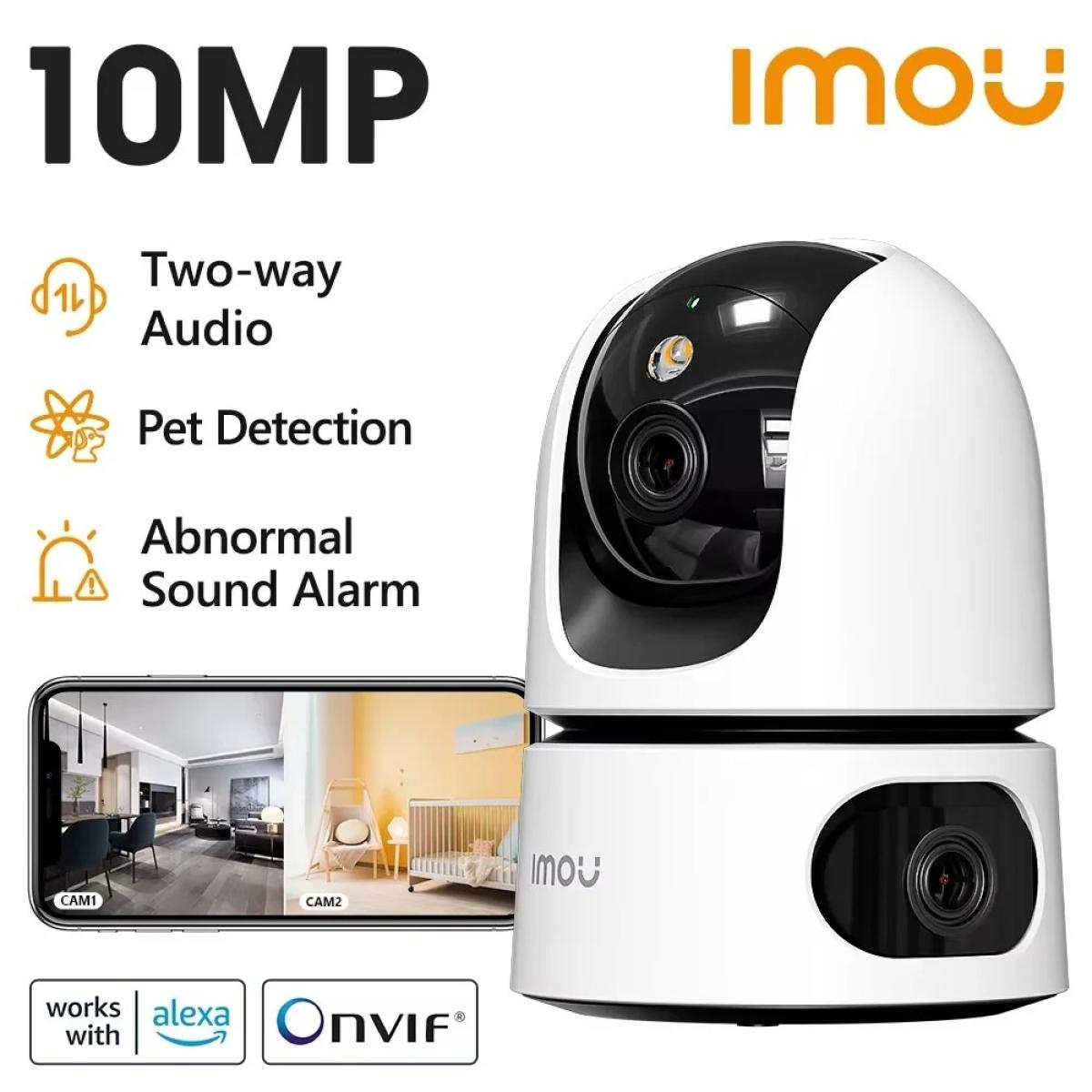


Ranger Dual
Dual-lens gives you 360° protection
MP Wide View | Smart Full-color Night Vision | Human & Pet DetectionTwo lens resolution total MP | Smart color Night Vision | AI Human & Pet Detection | Two-way Audio
Abnormal Sound Alarm | Smart Tracking | Privacy Mode |Supports Wi-Fi 6 Connection
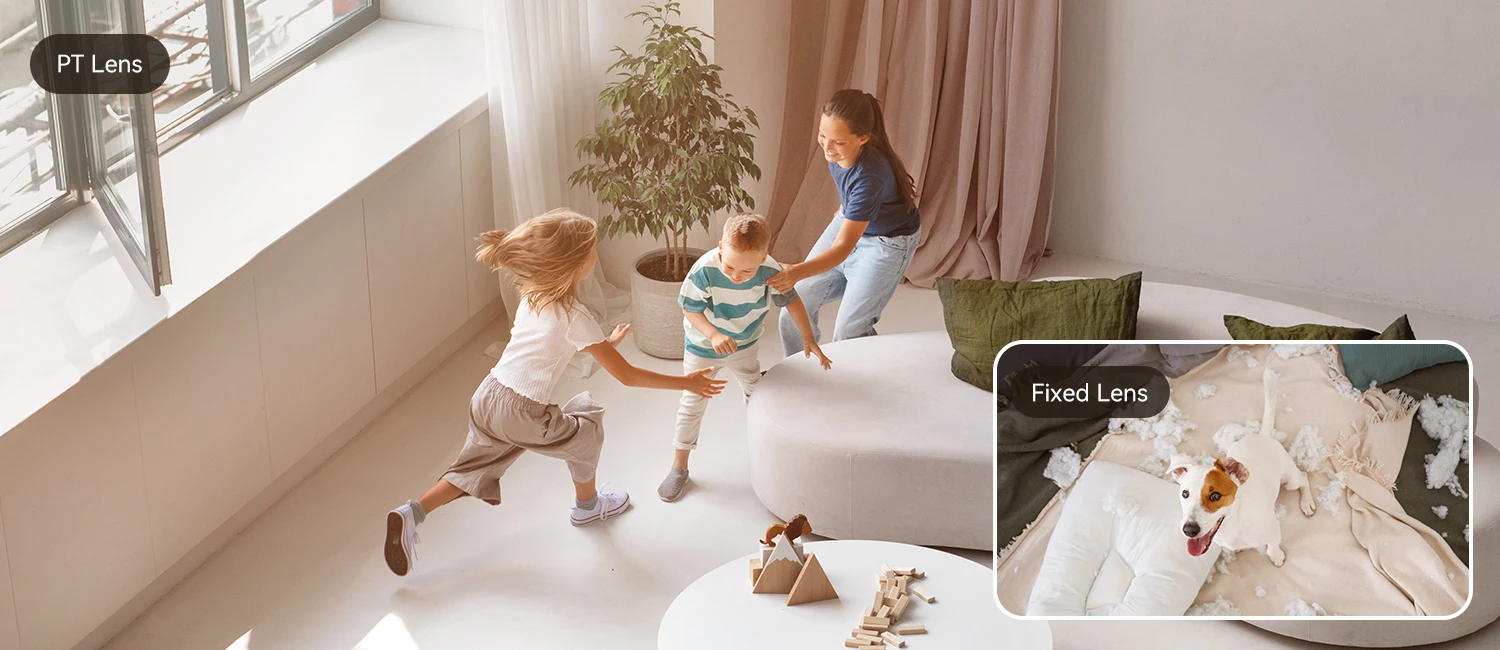
Securing 2 zones at once
In addition to the normal PTZ lens, the Ranger Dual has a fixed lens on the bottom that allows you to monitor two areas at once.
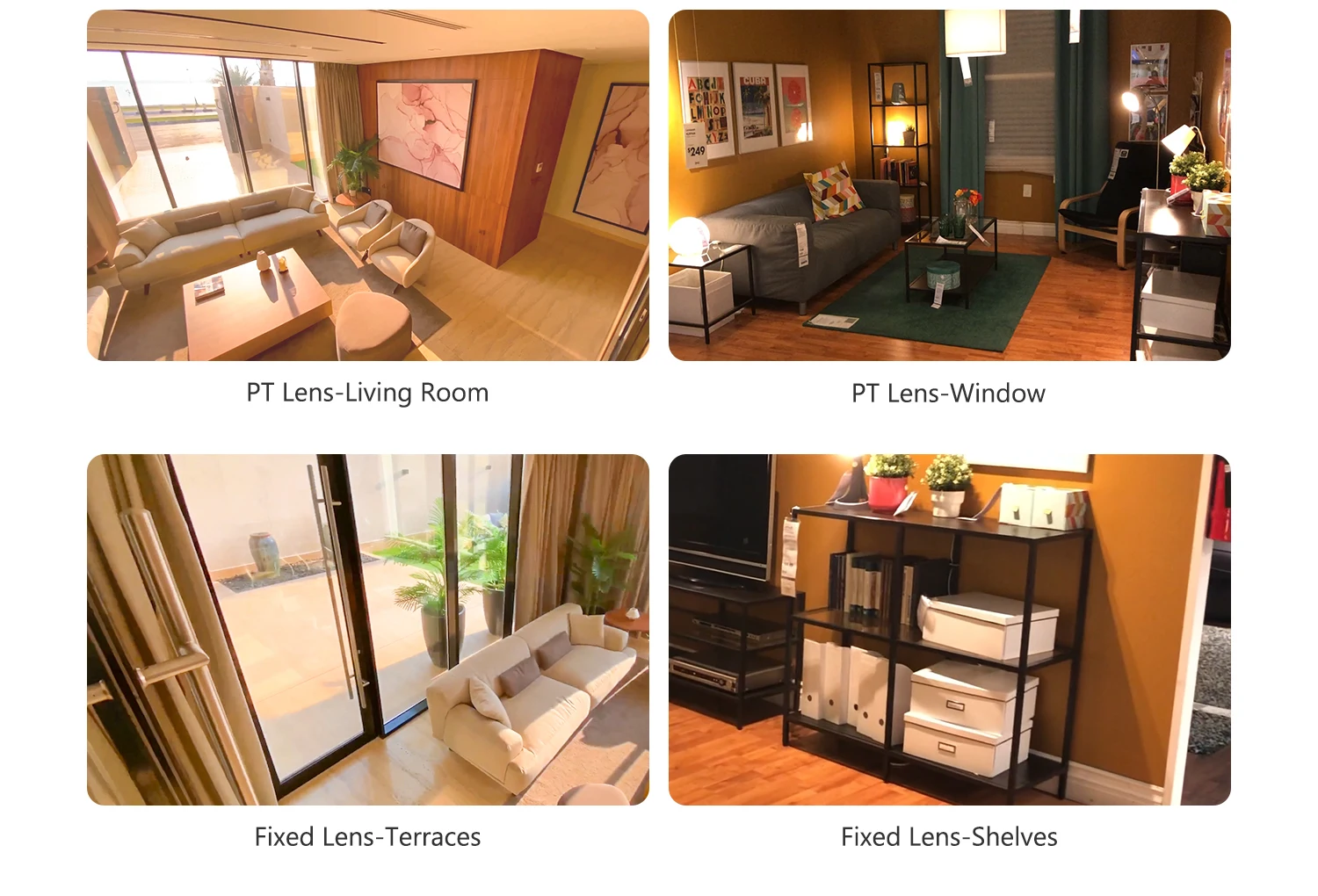
Multiple lens combinations for all your needs
5MP Fixed Lens + 5MP Pan & Tilt Lens
Ranger Dual offers 5+ 5MP lens combination options, provide you with clearer and wider view images.
Light the night up with smartness
Ranger Dual can adjust different night vision modes according to your needs, whether you want the night vision to remain in full color all the time or want to turn on full color only when there is an event to save energy, it can always satisfy you.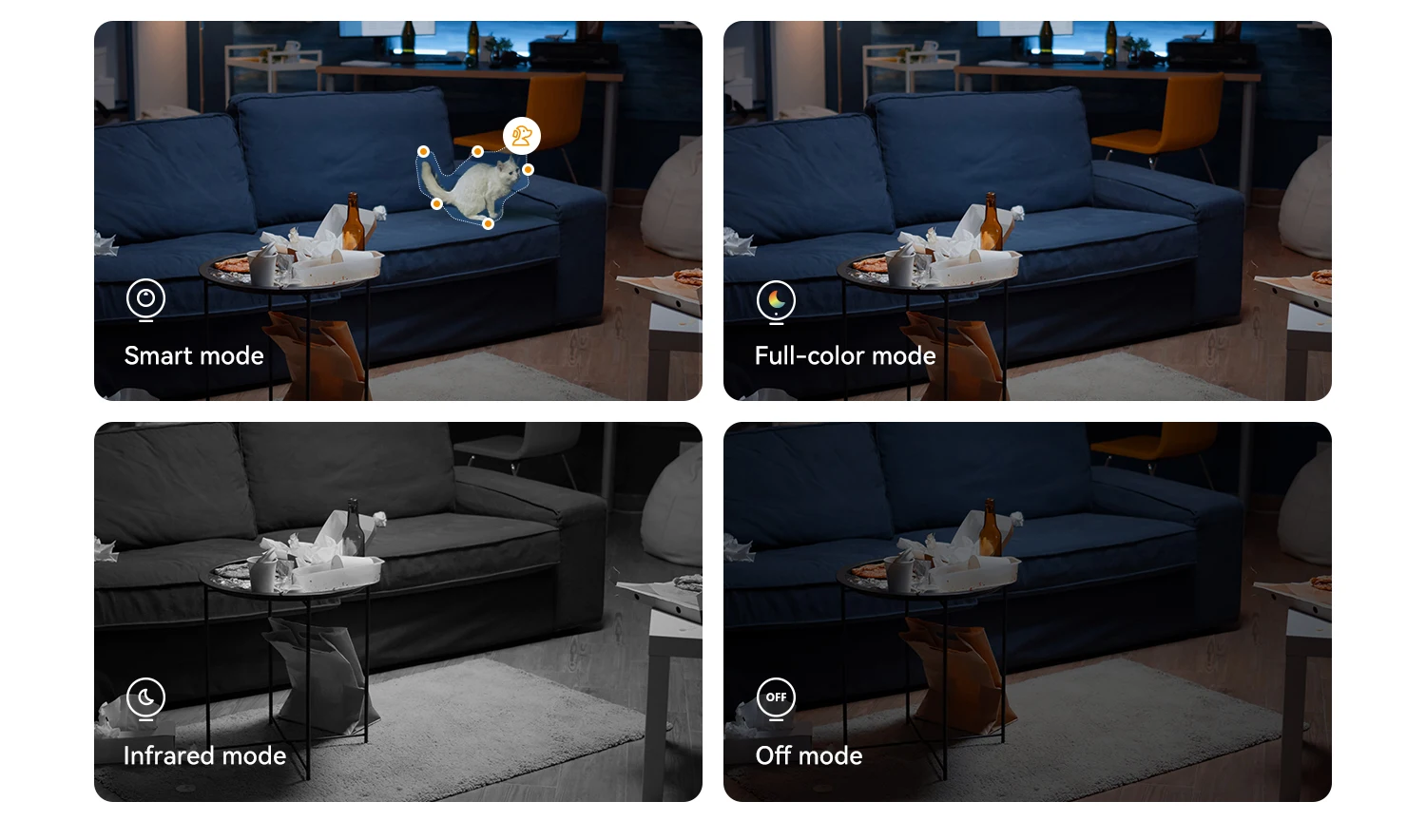
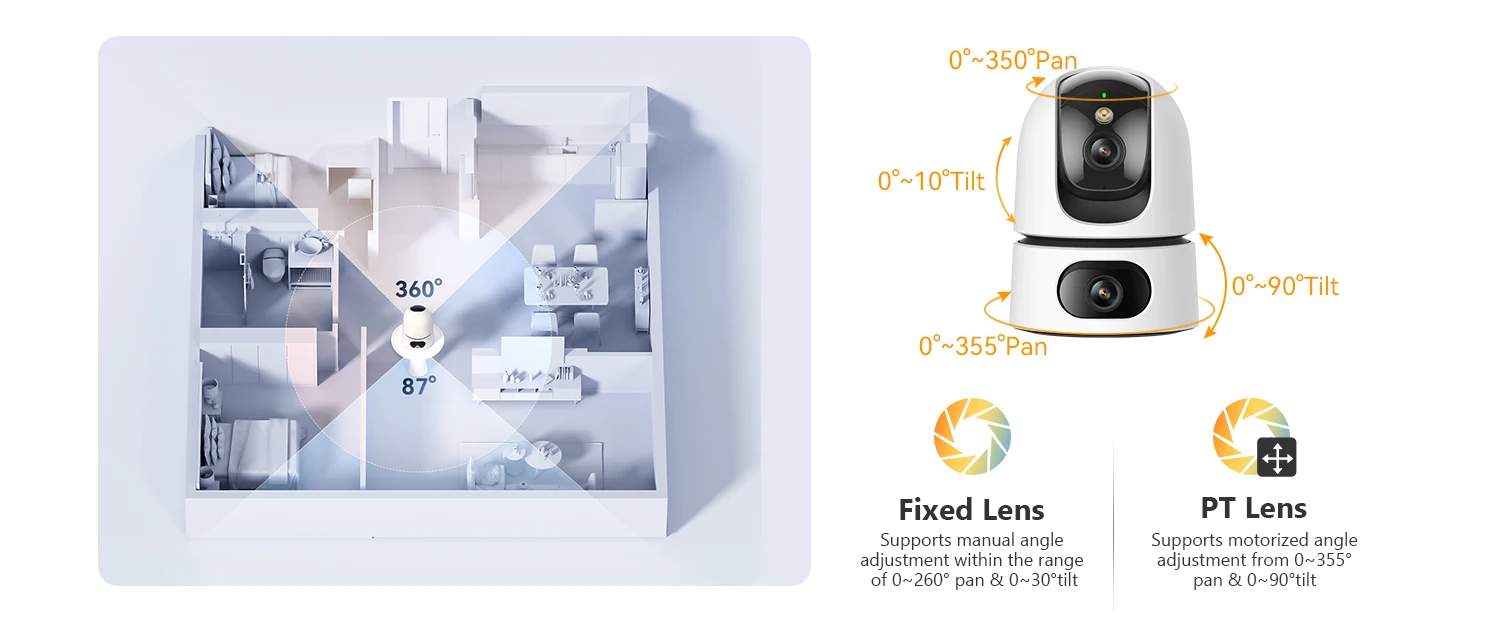
The adjustable dual-lens gives you 360° protection
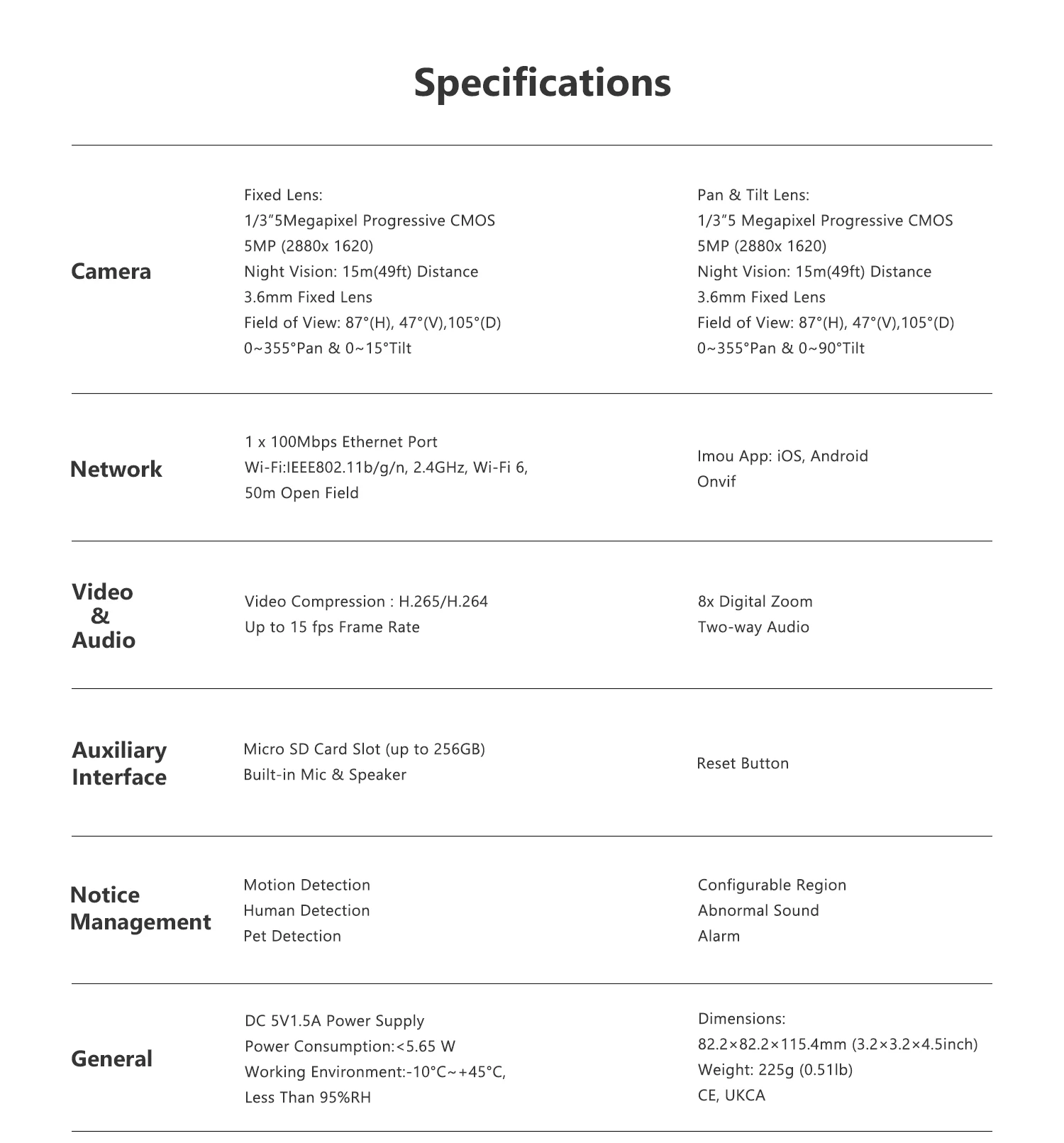
The Ranger Dual's pan-tilt lens supports 0°-355° horizontal rotation and 0°-90° vertical rotation, while the fixed lens supports 0°-350° horizontal rotation and 0°-10° vertical rotation to protect your home 360°.
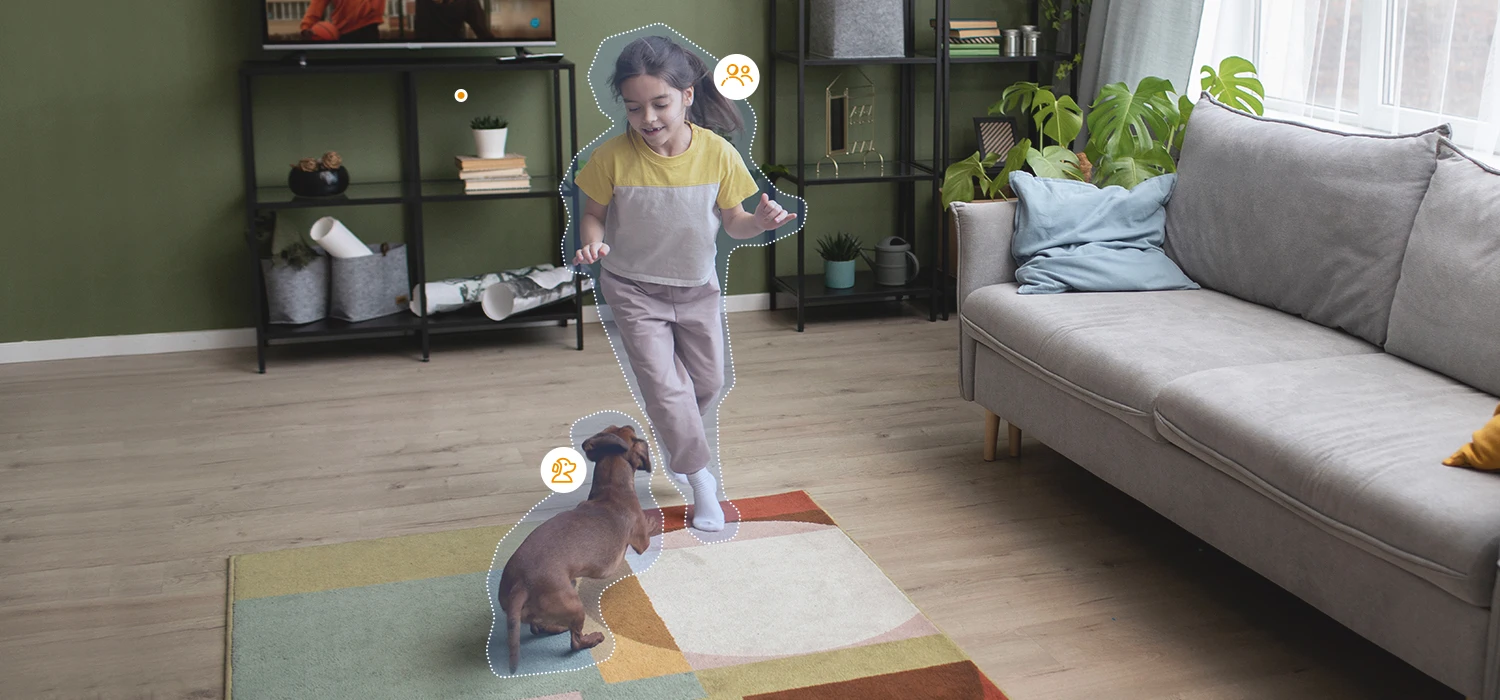
Precise human & pet detection
With the support of IMOU SENSE™, the newly upgraded AI can effectively improve the accuracy of detecting people and pets, and can intelligently track the target; when there is an event triggered, in addition to pushing information to the user's phone, the device itself will also alarm.
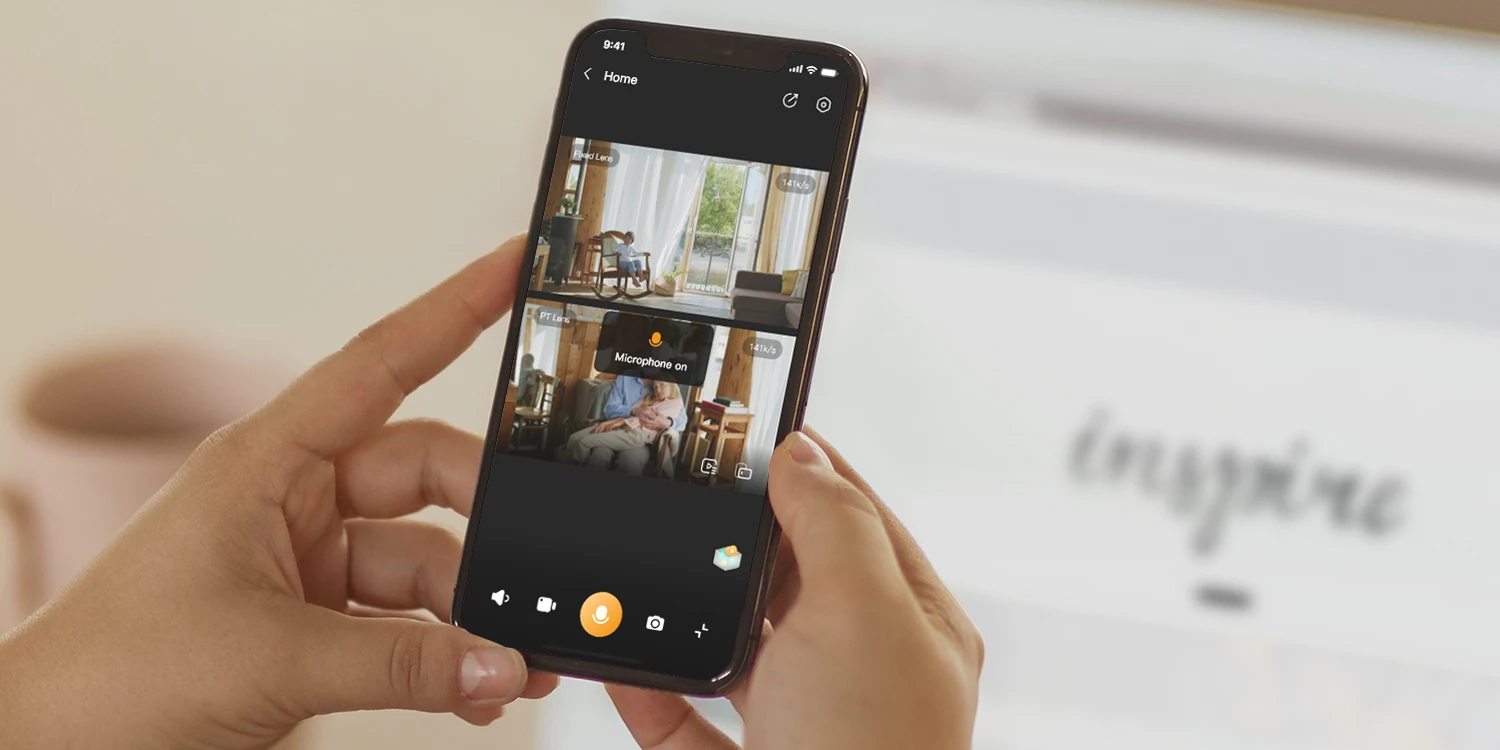
Two-way Audio, Connect your home from anywhere
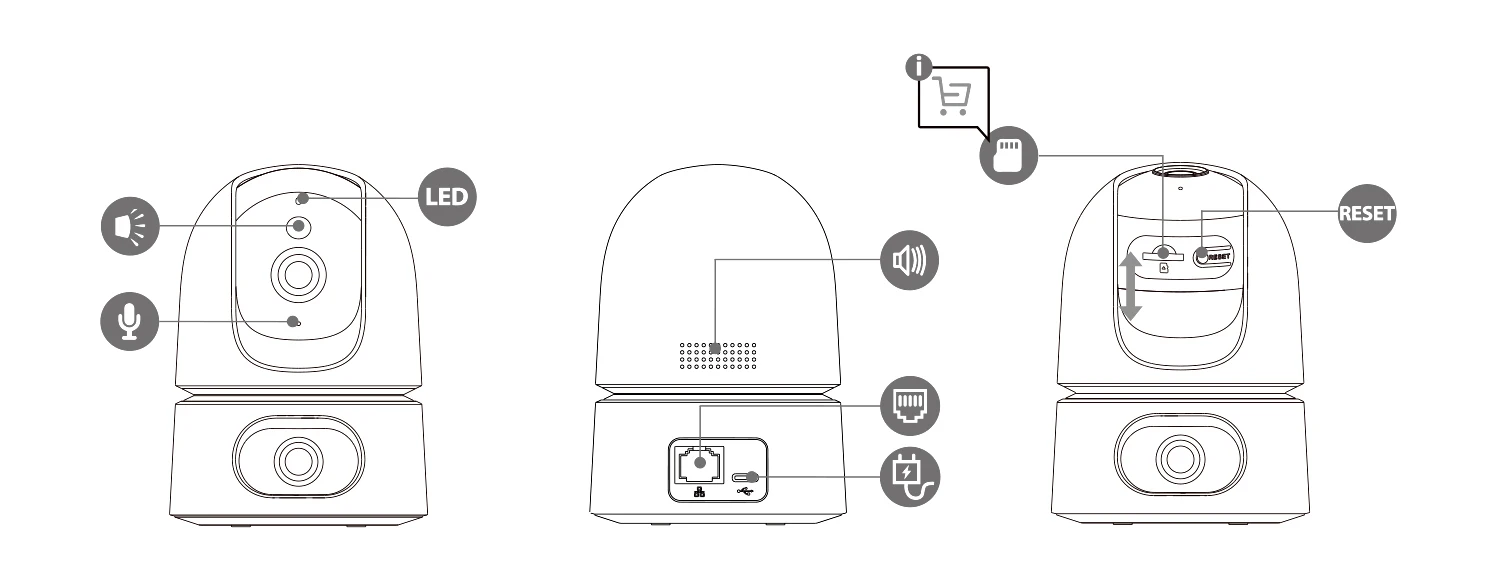
A built-in speaker and a microphone with the echo cancellation feature allow you to interact with pets and family from anywhere.
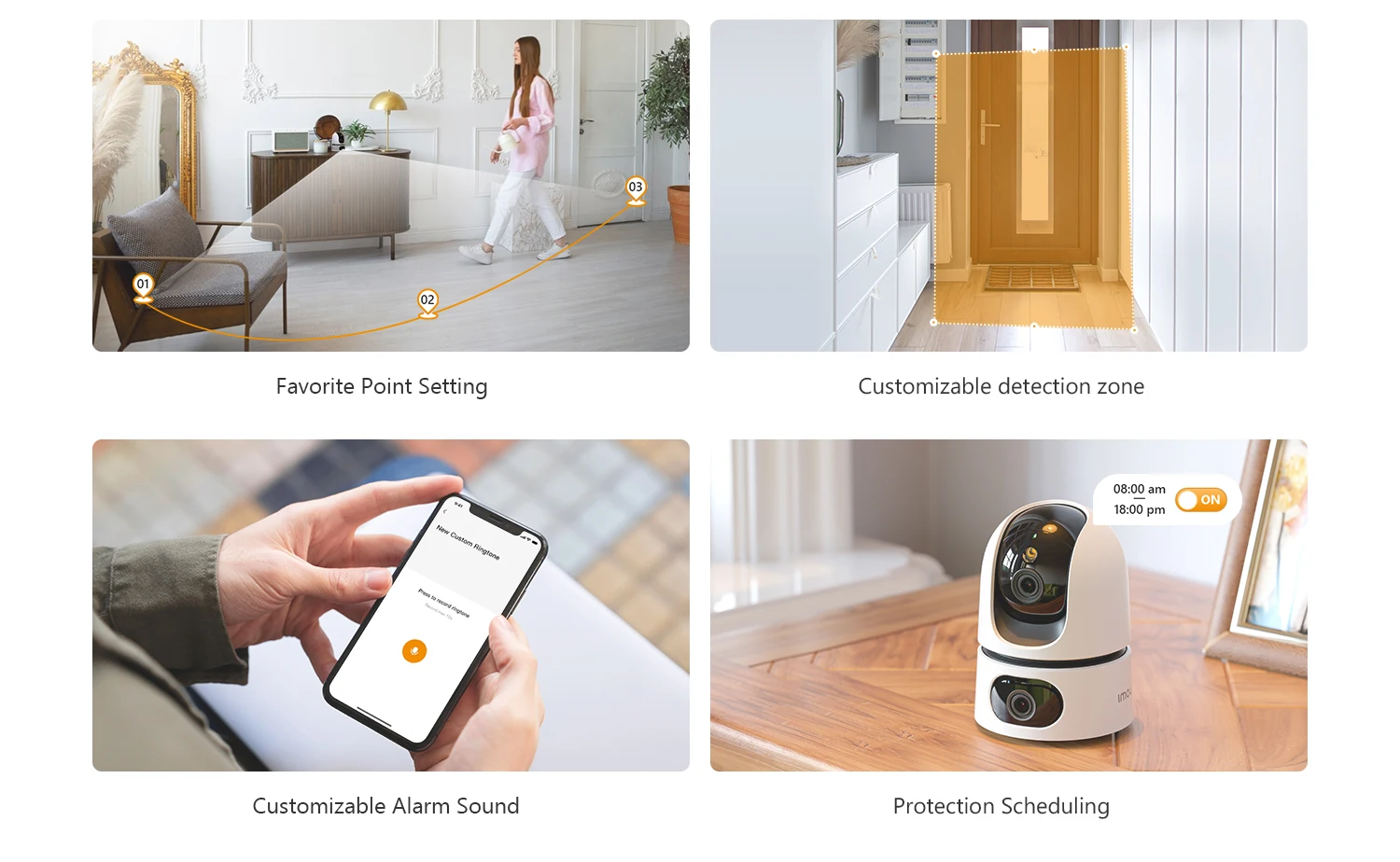
Protect according to your preferences
Favorite Point Setting | Customizable detection zone
Customizable Alarm Sound | Protection Scheduling
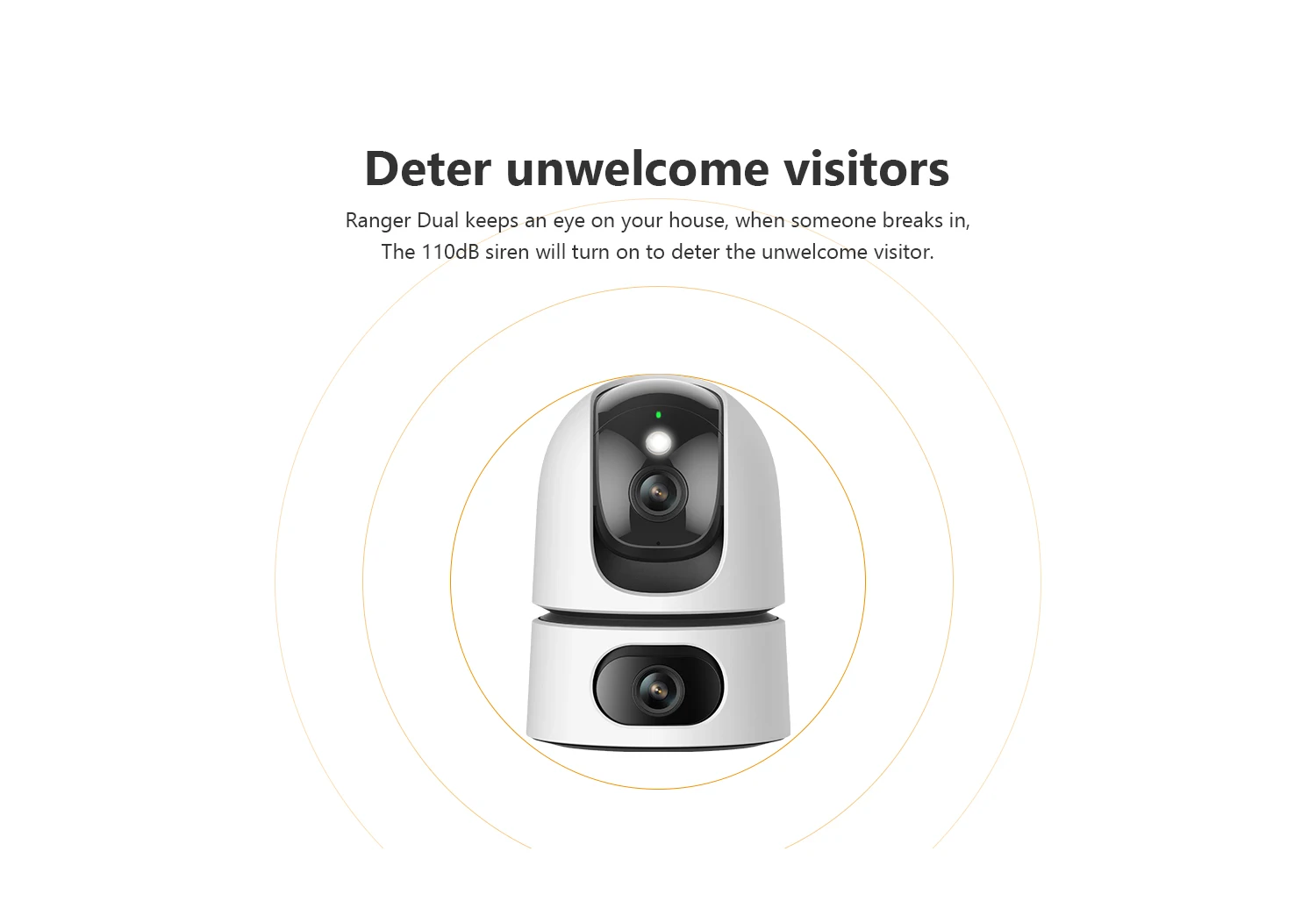
Deter unwelcome visitors
Ranger Dual keeps an eye on your house, when someone breaks in, the 110dB siren will turn on to deter the unwelcome visitor.
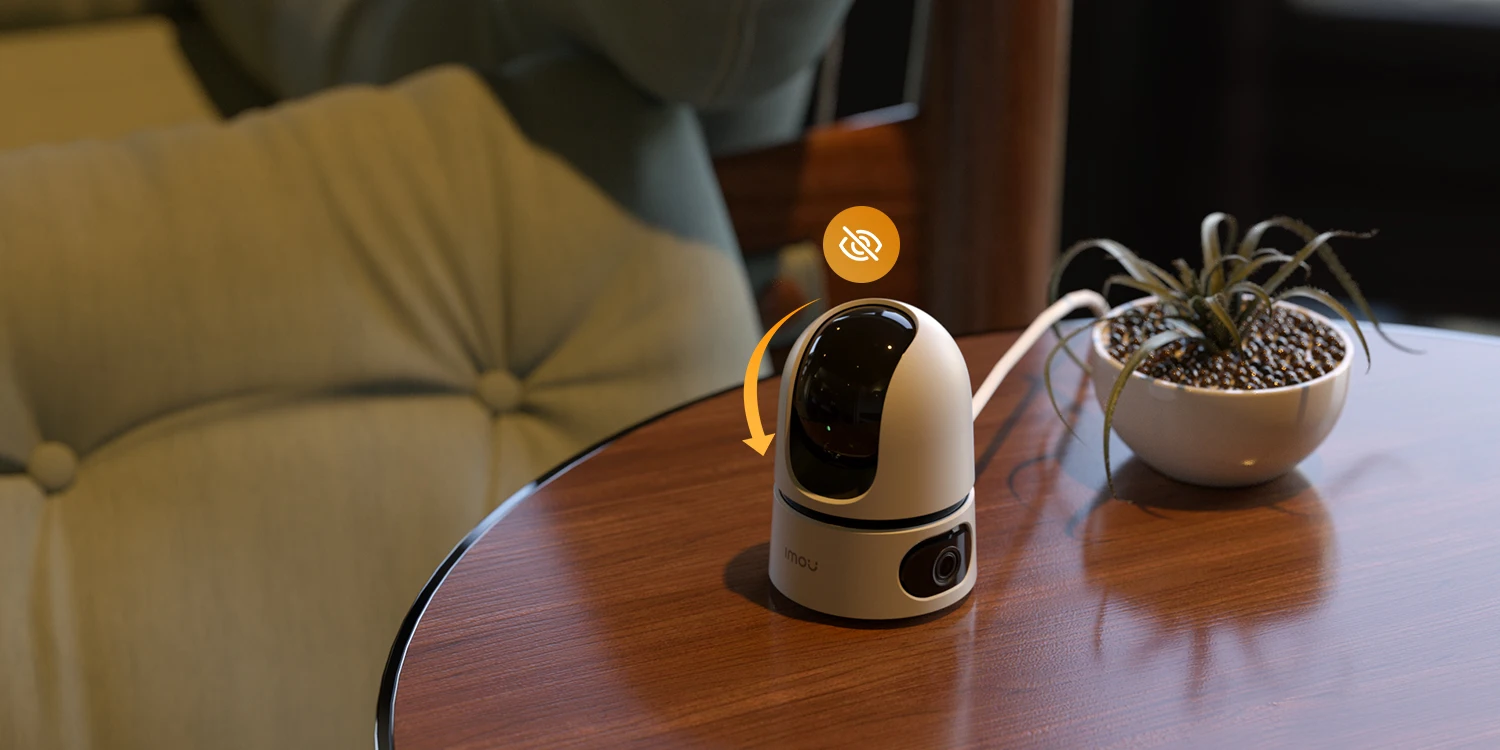
Protect your privacy with just a touch
The Ranger Dual detects unusually high decibel sounds such as babies crying and glasses breaking, so you can be in control of your home wherever you are.
Put your camera further with Wi-Fi 6
Ranger Dual supports the latest Wi-Fi 6 standard with higher data transfer rates and better wall penetration, allowing your security range wider.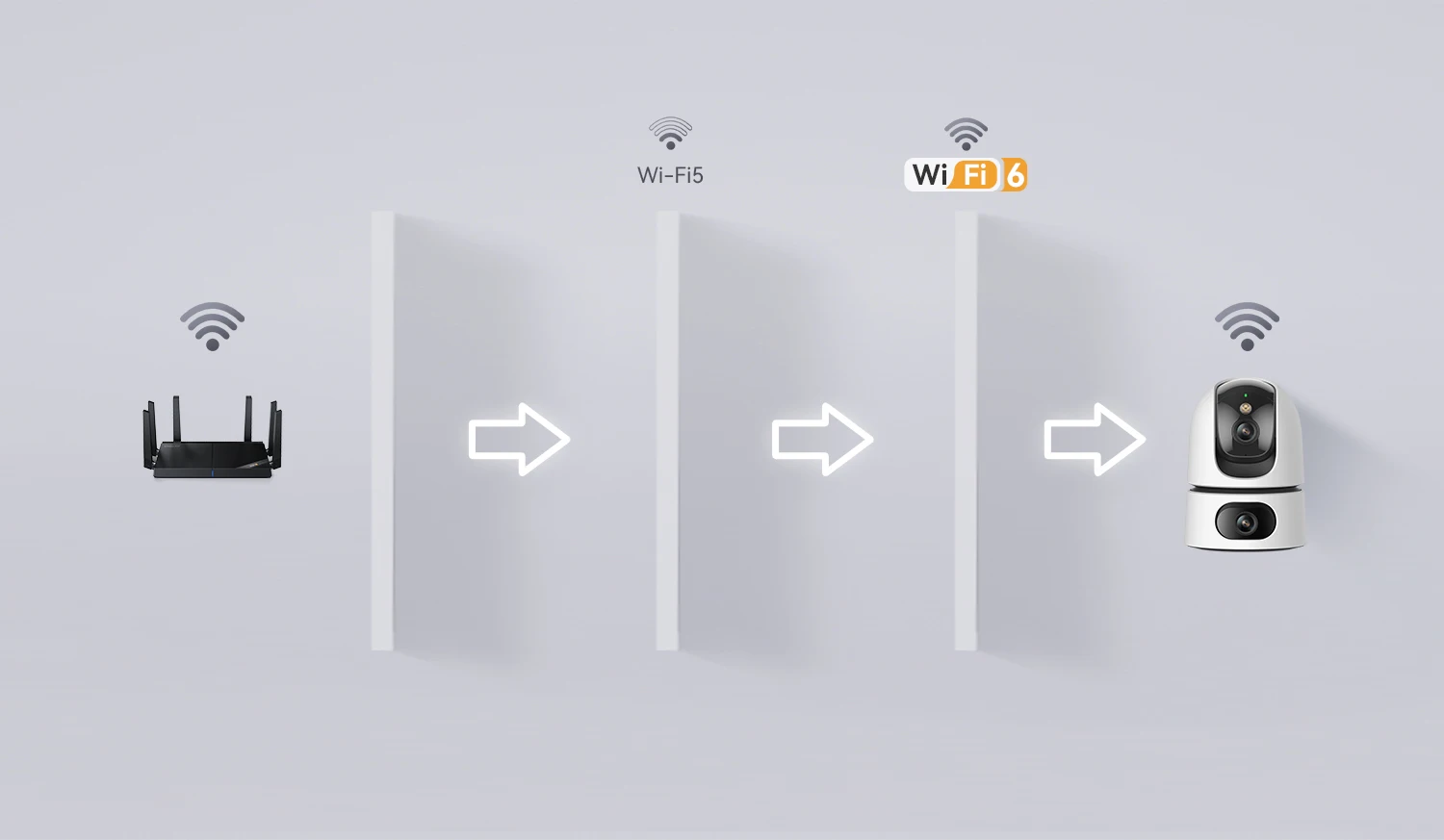
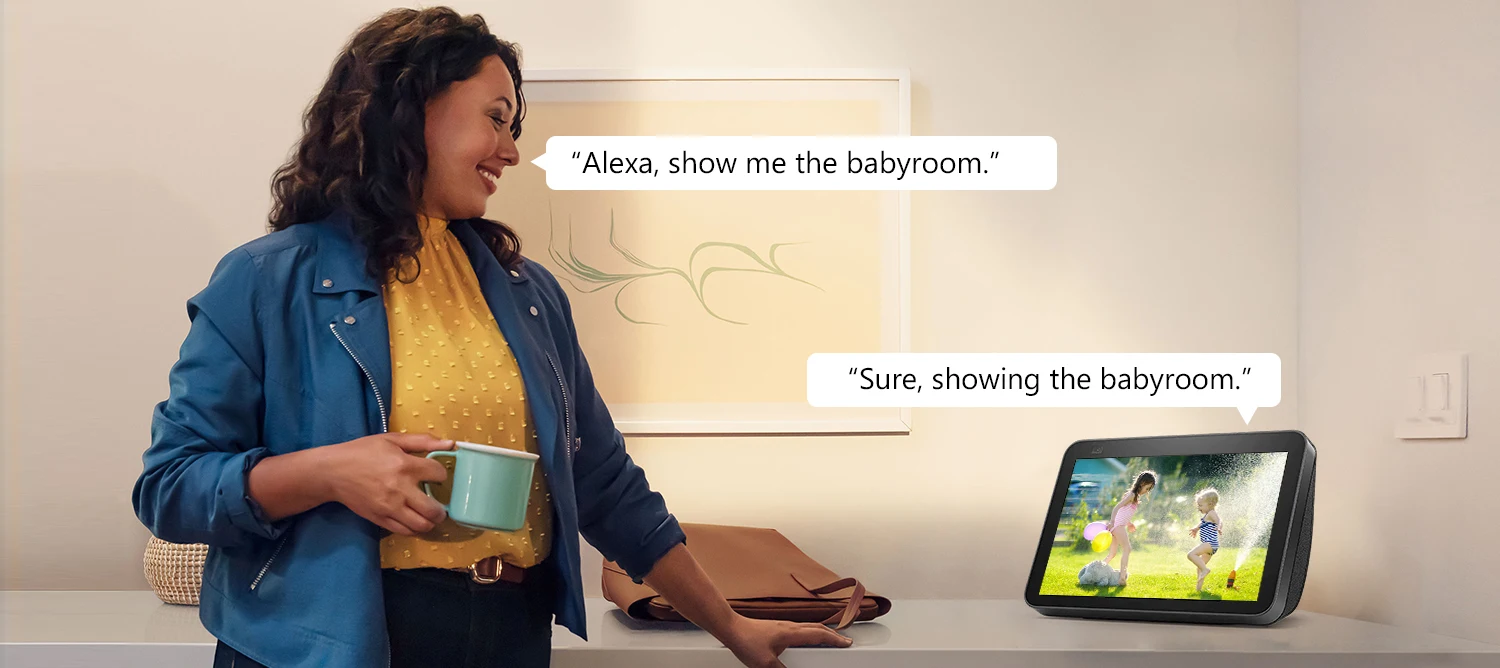
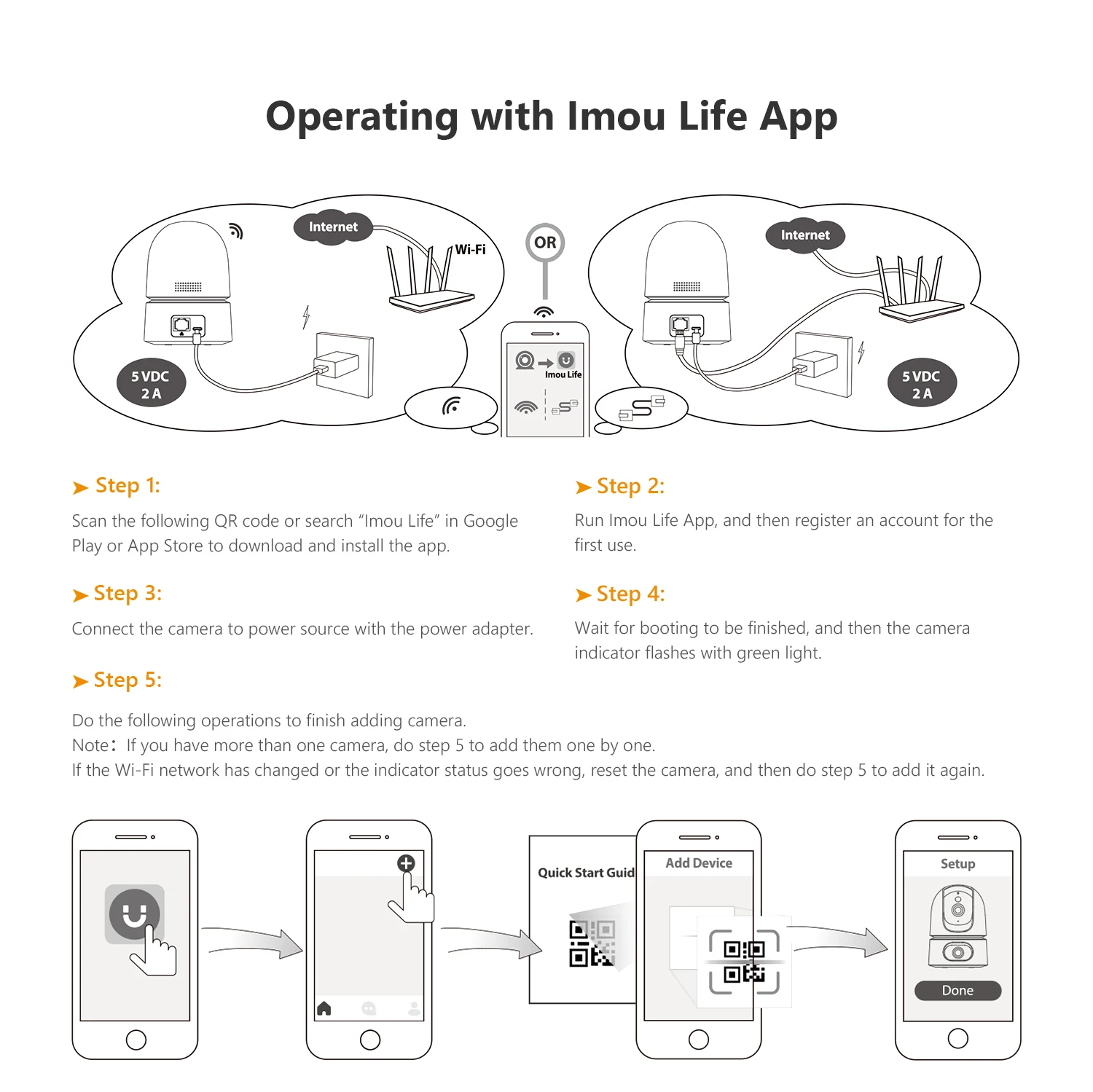
Operating with Imou Life App
▶ Step 1
Scan the following QR code or search “Imou Life” in Google Play or App Store to download and install the app.
▶ Step 2
Run Imou Life App, and then register an account for the first use.
▶ Step 3
Connect the camera to power source with the power adapter.
▶ Step 4
Wait for booting to be finished, and then the camera indicator flashes with green light.
▶ Step 5
Do the following operations to finish adding camera.
Note:
If you have more than one camera, do step 5 to add them one by one.
②If the Wi-Fi network has changed or the indicator status goes wrong, reset the camera, and then do step 5 to add it again.
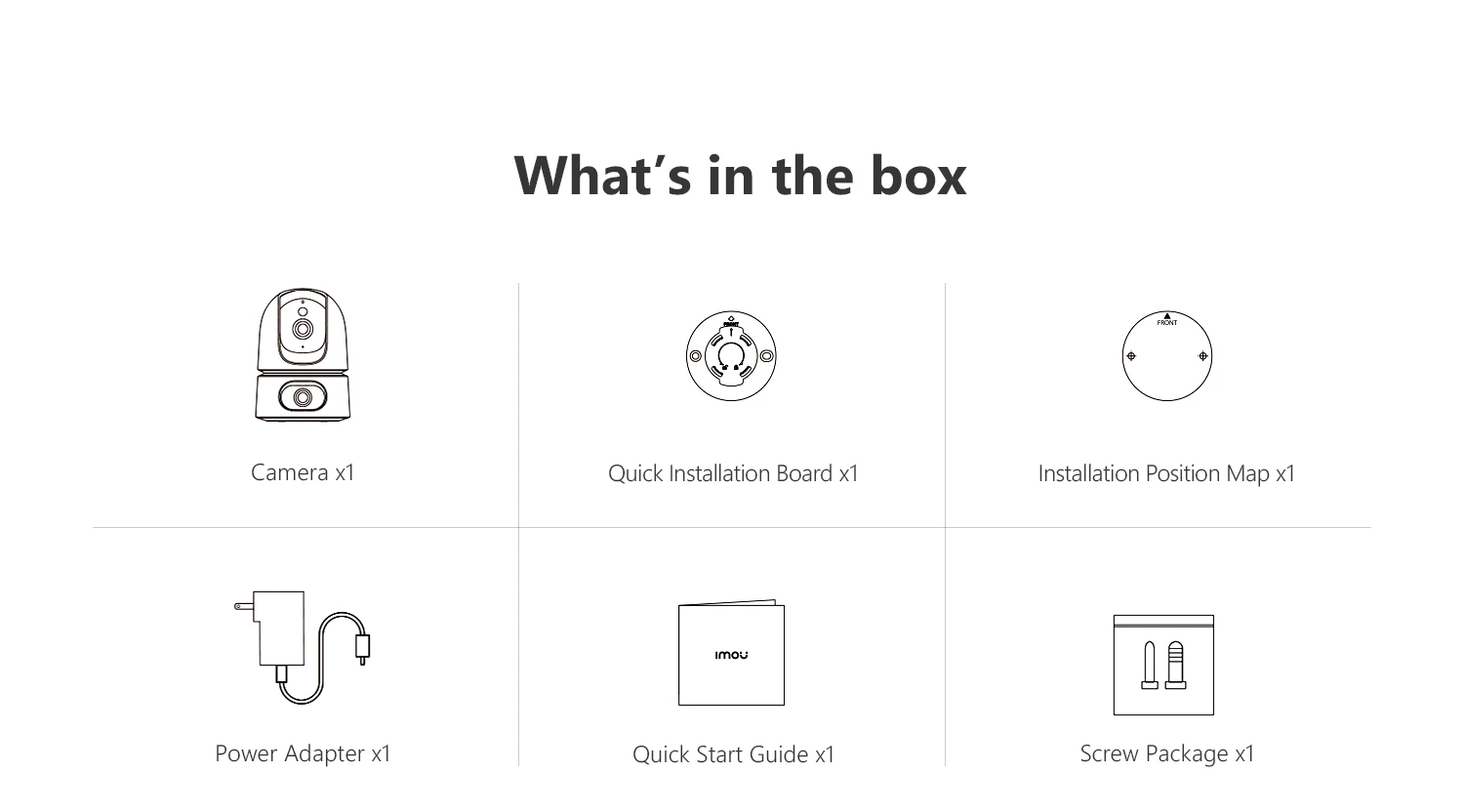
What's in the box?
- 1x Camera
- 1x Quick Installation Board
-1x Installation Position Map
-1x power adapter
- 1x Quick Start Guide
- 1x Screw Package

JOD 35.00 JOD 14.00

JOD 40.00 JOD 25.00

JOD 45.00 JOD 25.00

JOD 35.00 JOD 26.00

JOD 49.00

JOD 40.00 JOD 35.00

JOD 33.00

JOD 33.00

JOD 485.00 JOD 299.00
Out Of Stock
![CHOETECH PC-HDE16 M.2 NVMe SSD Enclosure USB-C [10Gbps]](https://image.citycenter.jo/cache/catalog/802021/chom2-550x400.jpg)
JOD 35.00 JOD 29.00
Out Of Stock
Saturday - Wednesday : 8:00 AM - 6:30 PM
Thursday : 8:00 AM - 3:00 PM
Friday: Closed
The product is currently Out-of-Stock. Enter your email address below and we will notify you as soon as the product is available.
The product is currently Out-of-Stock. Enter your email address below and we will notify you as soon as the product is available.