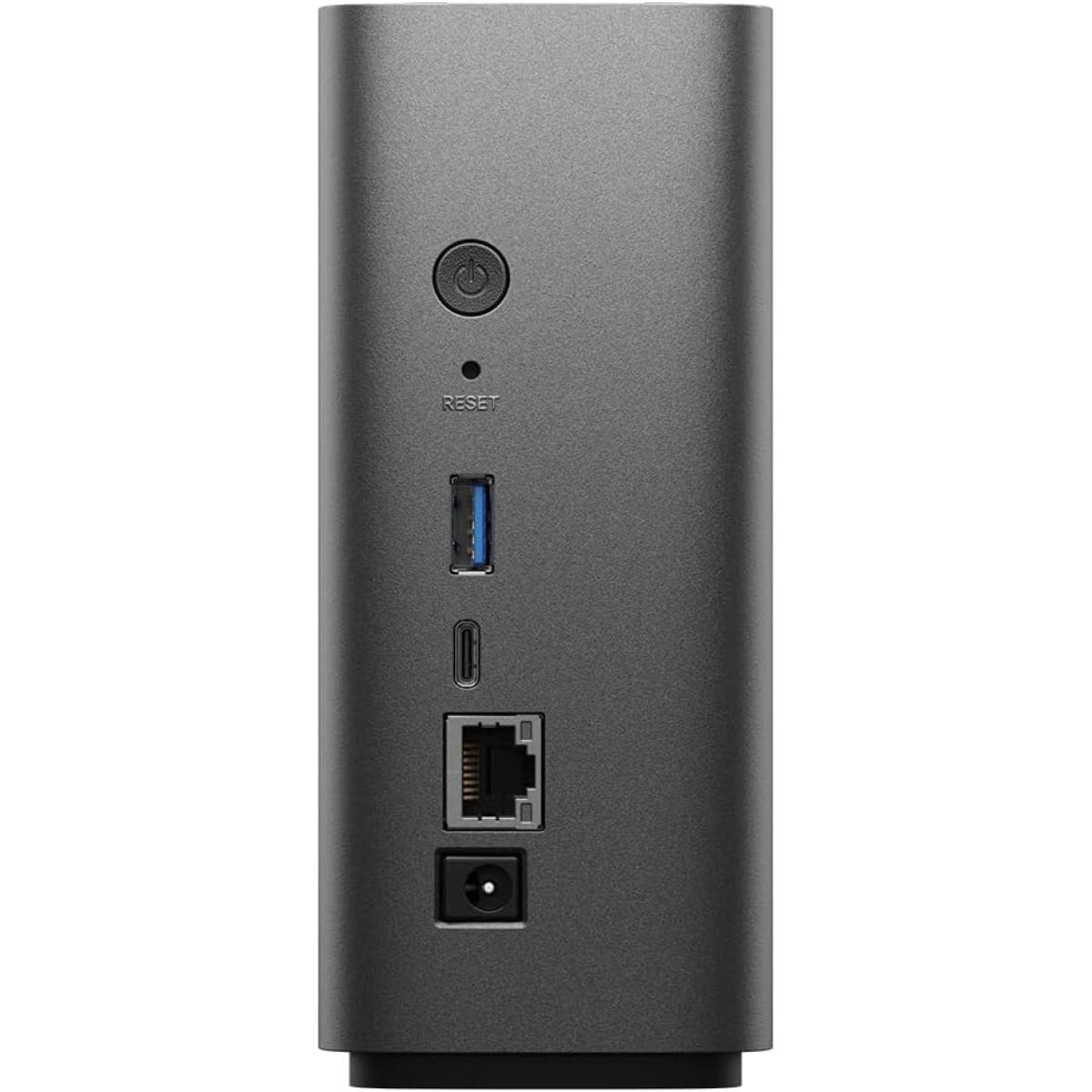
Synology BeeStation 8TB Personal Cloud NAS Storage Server, AI-Powered, Store, Sync, Access And Share Files From Anywhere, Easy Setup, Network Data Backup Device, USB-C

  • Set up a private cloud in minutes and get right into data managing works
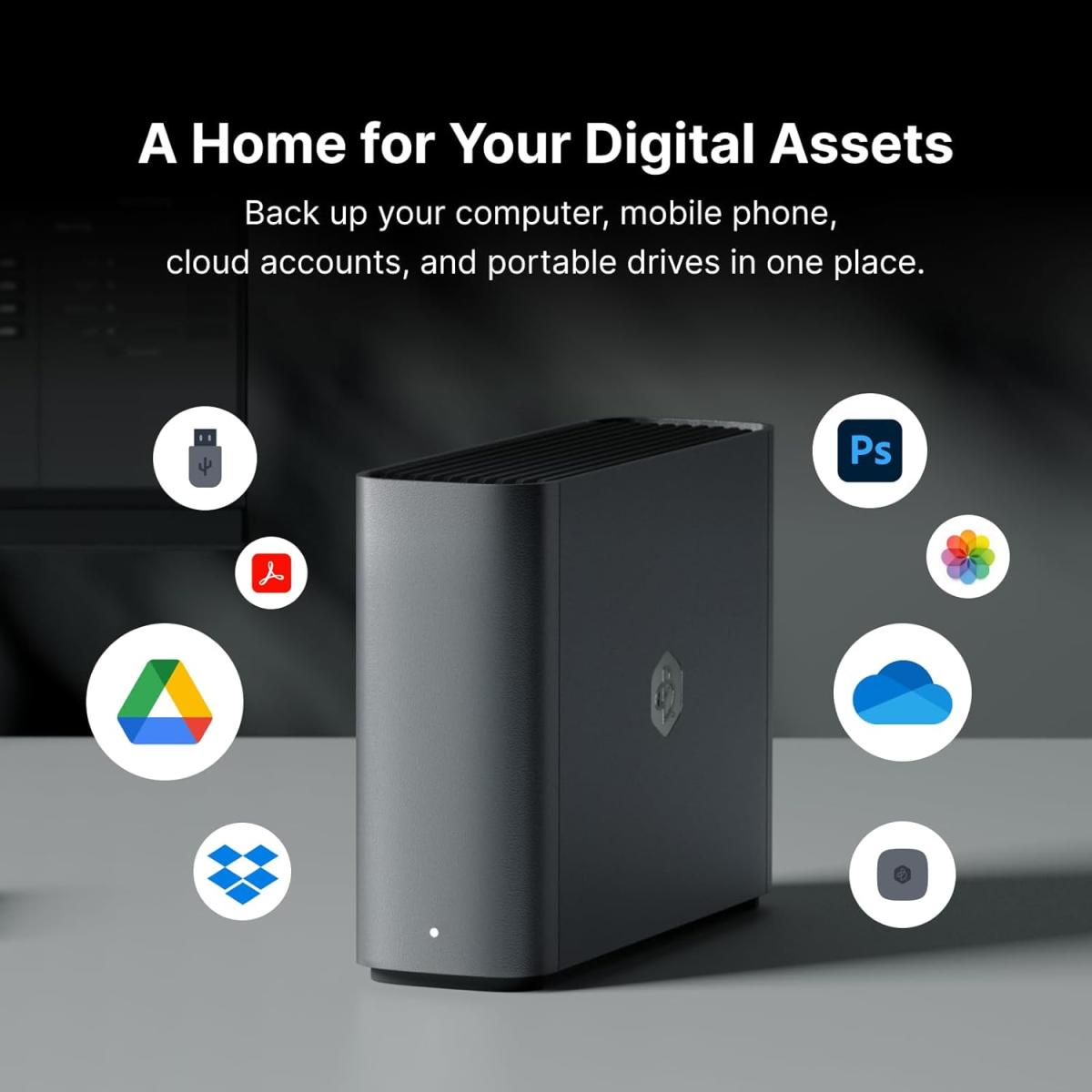
  • Bring your data from computers, tablets, phones, external drives, and cloud services to one place and access them anywhere, anytime
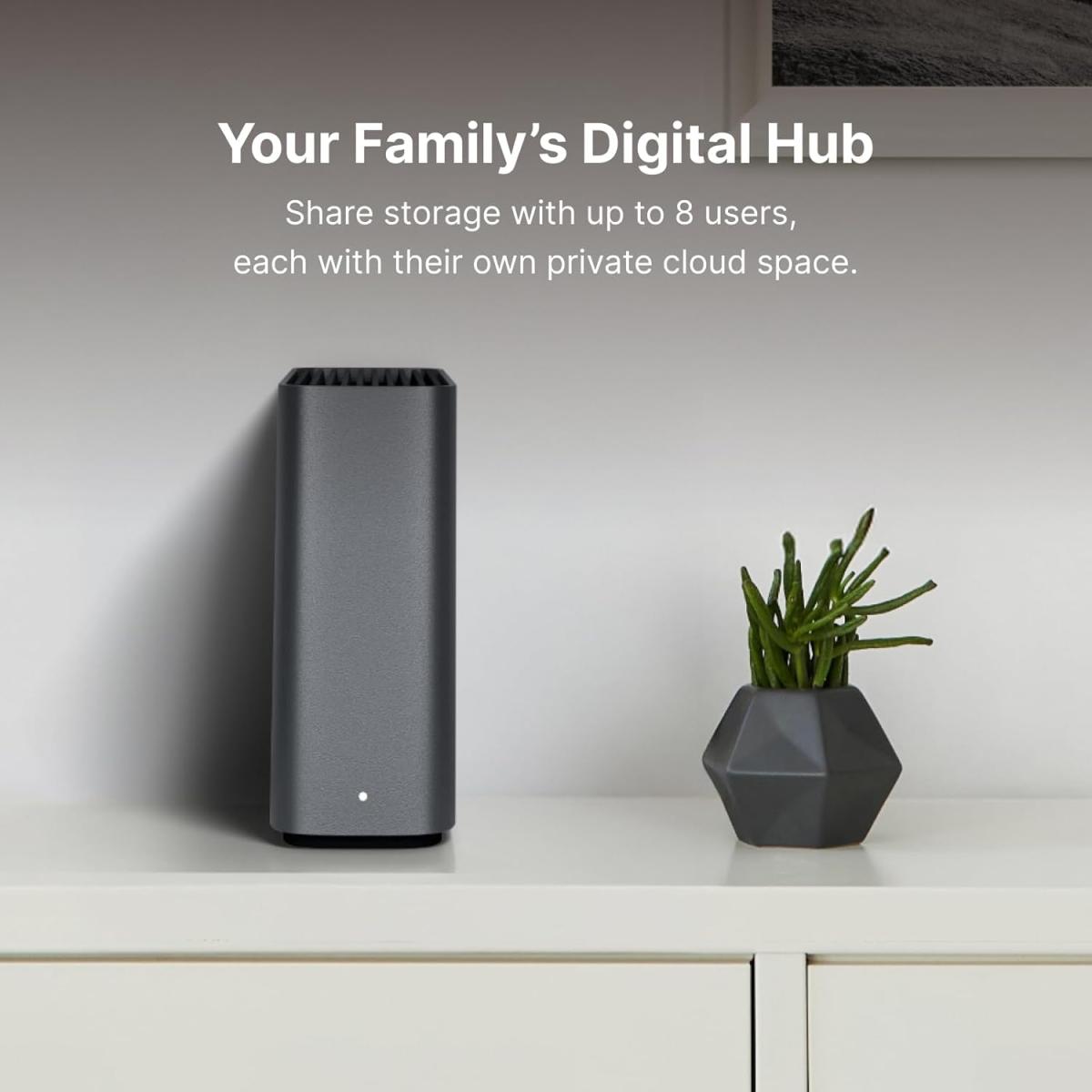
  • Share storage with family or team members, giving each person their own cloud space
  • Back up phone photos and let local AI find who or what you're looking for
Not yet rated Write a review

Share Product

HTML Block

Zain Cash
Mobile Cash
Visa
Mastercard
Cash on Delivery
Availability:
In Stock
Product Code:
BST170-8T
Brand:
Synology
JOD 629.00

Chat with us on Whatsapp

  • Free delivery on orders Over 100 JOD

  • Cash on Delivery


Name
Company Name
Email
Phone

From the manufacturer

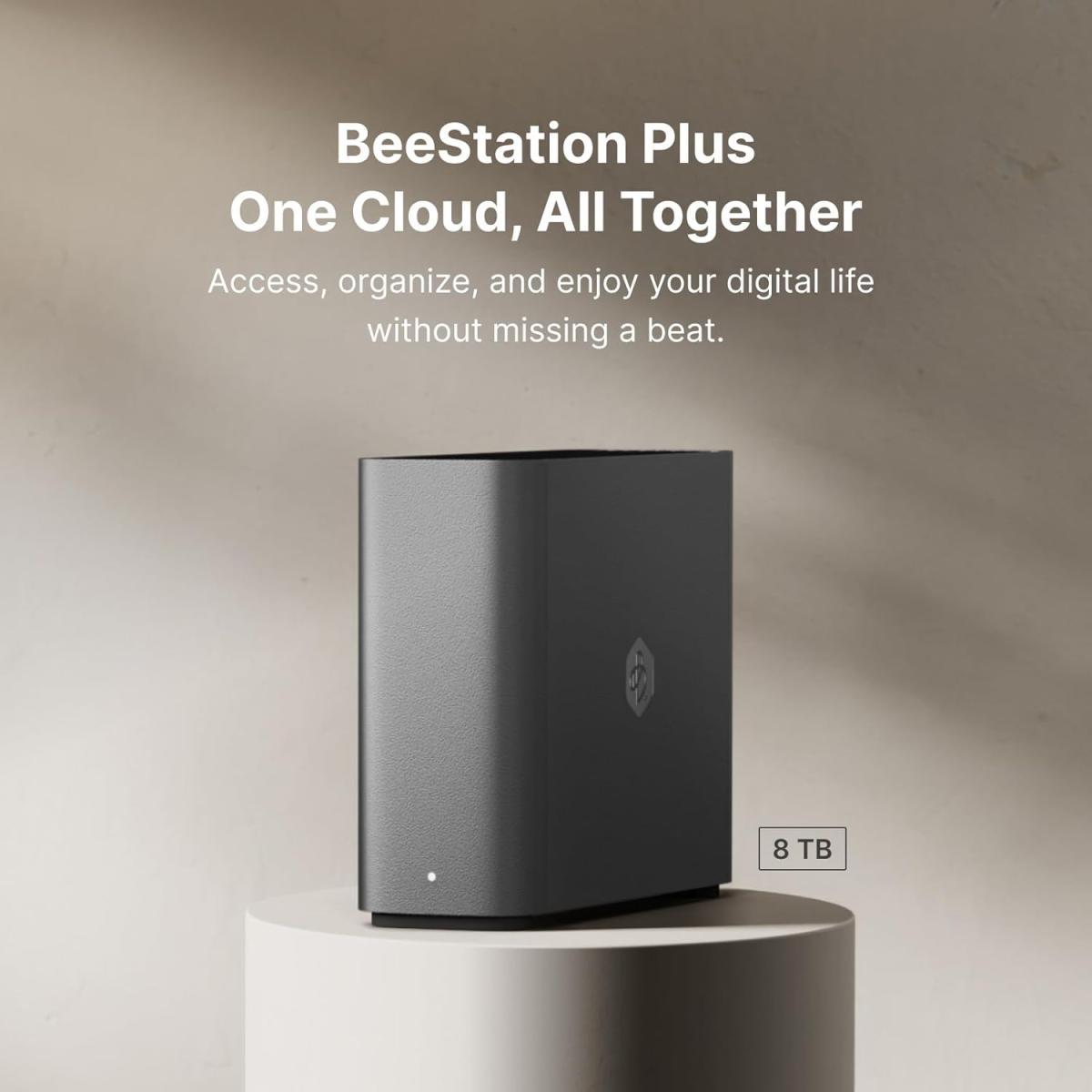
BeeStation Plus 8 TB
BeeStation Plus and Plex Integration

Stronger, faster, and better functionality

BeeStation Plus is not just a more storage space when compared to the 4TB model—it is a faster, more capable device for advanced workflows such as media streaming, multitasking, and better support for families and teams, making it an ideal choice for users needing greater data protection, performance, and entertainment needs.

Sign in using your Google Account, Apple ID, or Synology Account to sign in, you won't have to remember any extra logins.

Got files all over the place?

BeeStation can sync files from Google Drive, OneDrive, Dropbox, including their collaborative workspaces such as Google Shared Drive, Dropbox Team Space, and Microsoft OneDrive for Business.

That way, if you ever lose access to a cloud account or can't find a physical external drive, you can rest easy knowing you've always got a backup on BeeStation.

  • 2.6x faster mobile photo backups compared to BeeStation 4TB *
  • 3.8x faster web uploads compared to BeeStation 4TB *
  • 4.8x faster desktop sync compared to BeeStation 4TB *
  • 4 GB DDR4 RAM supports multiple users and processes, ideal for families and teams
  • Assign independent storage space up to 8 users, or use it all for yourself
  • * Figures above are based on internal testing and may vary by environment. See website for details.
BeeStation Plus and Plex Integration

A powerful media server, easy yet secure

Plex is designed to be user-friendly, whether you're using its free streaming options or setting up a personal media server. BeeStation makes it even easier with a built-in integration that greatly simplifies the technical setup. (Music lovers, this is for you too.)

  • Getting started is easy with a guided setup process, even if it's your first time.
  • Drag and drop your files to the Plex media folder through Windows Explorer or Mac Finder
  • Organize your media by content type (e.g. separate folders for Movies, TV Shows, Music, etc)
  • Import your files into the Plex Web App using the device of your choice (Mobile, Desktop, or TV)
  • Sit back and watch as Plex automatically scans your library and enhances whenever possible by adding movie posters, subtitles, trivia, etc.
  • Retain complete ownership of your movies and songs by storing them securely on your BeeStation Plus, and avoid the privacy and availability concerns that come with storing media in the cloud.

Note: Plex account is required. Most core features are free, with optional upgrades for advanced features.

Backup and Recovery: Easy as 1-2-3

321 backup made easy with BeeStation Plus with BeeProtect

3-2-1 backup rule states that you should always have 3 copies of your data, stored on 2 different mediums, with 1 copy off-site. Here's how BeeStation and BeeStation Plus deliver simple, set-it-and-forget-it data protection.

  1. Internal restore points
    1. When enabled, BeeStation automatically creates five internal restore points of each file for quick recovery in case of unwanted edits from malware or accidental deletions. However, it's still important to have your backups stored on alternate mediums to ensure your data is recoverable in any scenario.
  2. External backup options
    1. You can automatically back up BeeStation to a Synology NAS device using Hyper Backup (installed on the NAS).
    2. You can automatically back up BeeStation back up to most external hard drives as soon as they're connected to the USB-A or USB-C ports.*
    3. You can also manually copy files from your BeeStation to your BeeDrive with drag and drop simplicity through Windows Explorer or Mac Finder.
  3. Off-site backup options
    1. For ultimate protection, you can enable BeeProtect for fully encrypted and automated daily cloud backups with version history extending to 8 previous versions, giving you the ability to go back in time and see previous versions of files before they were corrupted or deleted.
    2. You can also back up your BeeStation to Synology C2 Storage directly from the BeeStation portal.

* Currently BeeStation can back up to most external hard drives, which includes ext3, ext4, FAT32, NTFS, Btrfs, exFAT, and HFS+ formats.

Product Specifications
Manufacturers Link https://www.synology.com/en-us/support/download/BST150-4T#system
Storage Specification
Series BeeStation
Capacity 8 TB
Interface Lan 1 GbE
Form Factor 3.5"
Windows Support Yes
MAC Support Yes
Warranty
Warranty 1 Year
Write a review

Customers who bought this item also bought

Lenovo 400 Wireless Mouse 1200DPI Optical Sensor, 2.4GHz Wireless Nano USB 3-Button

Lenovo 400 Wireless Mouse 1200DPI Optical Sensor, 2.4GHz Wireless Nano USB 3-Button

Today you’re at the office, but tomorrow -- who knows? No matter where you are, though, you need a m

JOD 10.00 JOD 9.00

The product is currently Out-of-Stock. Enter your email address below and we will notify you as soon as the product is available.
Name
Email
Phone
Comments

The product is currently Out-of-Stock. Enter your email address below and we will notify you as soon as the product is available.

Name
Email
Phone
Comments